Verified Solution
Heatsink De-Clogging & Ultrasonic Fin Cleaning
Complete removal of compacted dust felts from radiator cooling fins and airflow channels.
When a computer fan screams continuously, the chassis becomes burning hot to the touch, or the system abruptly powers down during video calls or gaming, the processor is overheating. Modern CPUs and GPUs protect themselves by drastically reducing speed (thermal throttling) or executing emergency thermal shutdowns. Computer Repair IT provides comprehensive thermal servicing across London. We clear compacted dust from heat exchangers, replace worn cooling fans, and reapply high-performance thermal paste to restore whisper-quiet, stable operation.
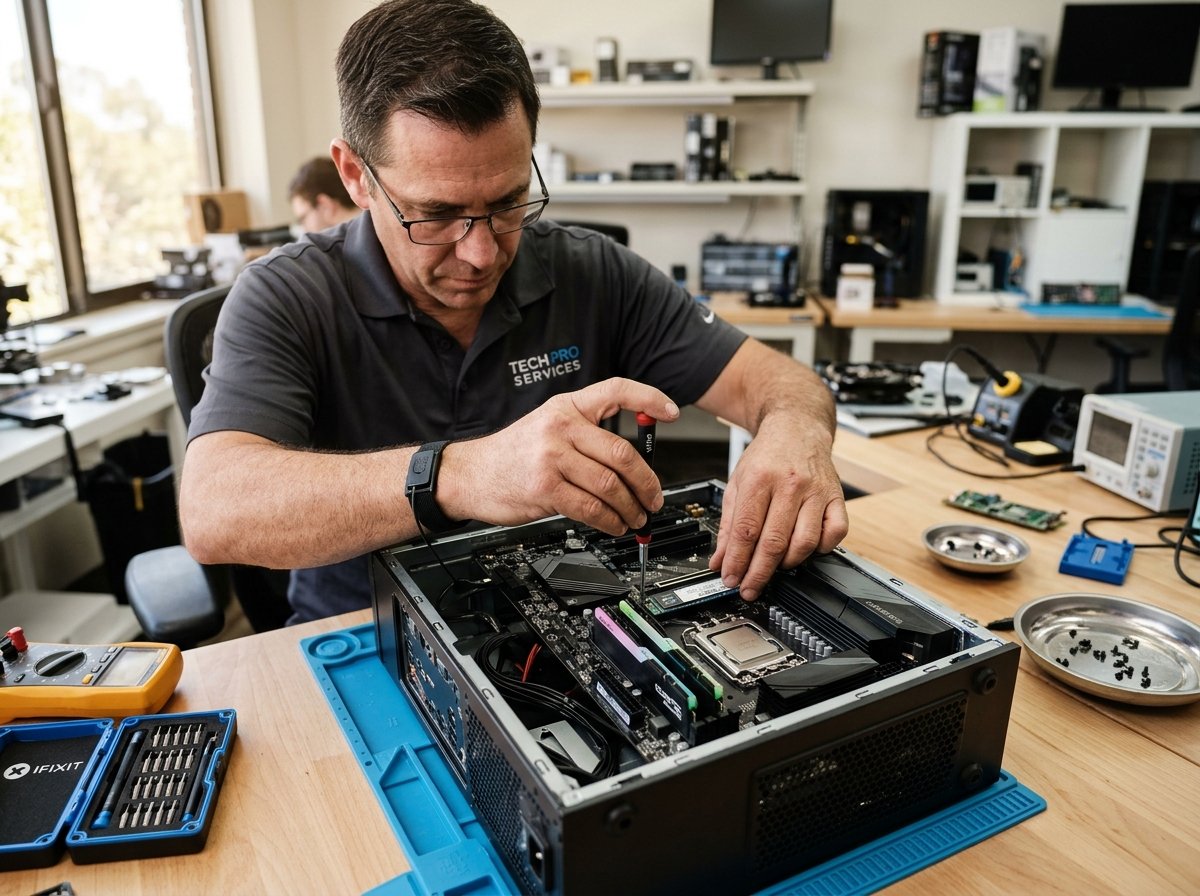
Component-level testing across hardware and operating systems
Clear diagnostic findings & agreed pricing before work begins
On-site mobile callouts across Greater London boroughs
UK GDPR compliant privacy-first handling of all customer data
When a computer fan screams continuously, the chassis becomes burning hot to the touch, or the system abruptly powers down during video calls or gaming, the processor is overheating. Modern CPUs and GPUs protect themselves by drastically reducing speed (thermal throttling) or executing emergency thermal shutdowns. Computer Repair IT provides comprehensive thermal servicing across London. We clear compacted dust from heat exchangers, replace worn cooling fans, and reapply high-performance thermal paste to restore whisper-quiet, stable operation.
Compacted dust blankets and pet hair clogging internal radiator fins and blocking airflow
Digital Thermal Logging Under Load: We log core temperatures across all CPU and GPU cores using diagnostic monitors to determine idle and peak thermal deltas.
Structured diagnostics and hardware solutions tailored to specific equipment architectures and software environments.
Complete removal of compacted dust felts from radiator cooling fins and airflow channels.
Cleaning old dried paste and applying premium non-conductive thermal compound (e.g. Arctic MX-4/Noctua NT-H1).
Installing replacement OEM laptop blower fans or whisper-quiet desktop case and CPU fans.
Balancing intake and exhaust fan pressure and tidying internal cabling to improve chassis ventilation.
Early diagnostics prevent further hardware degradation or sudden data loss. Below are the most frequent symptoms we resolve across London.
Cooling fans running constantly at 100% maximum RPM with loud whistling, rattling, or vibrating sounds.
Fan Servicing & ReplacementLaptop chassis becomes uncomfortably hot to touch on the underside or above the keyboard during light use.
Thermal Paste ReplacementComputer suddenly shuts off without warning after 15–30 minutes of video playback, gaming, or rendering.
Thermal Cutout TestingProcessor clock speeds throttling down drastically, causing stuttering and lagging throughout Windows.
Performance OptimizationDesktop graphics card temperature exceeding 85°C–90°C with thermal throttling and fan screaming in games.
GPU Thermal ServicingAir exhaust vents feel completely cold or blocked despite internal fans screaming loudly inside the case.
Deep Clean Workshop VisitA methodical three-step procedure designed to give you clarity and control from enquiry to return.
Tell us your system model, symptoms, and London location via our quick quote form or by telephone.
Our technician evaluates the fault and provides a transparent, itemised written quote with parts availability and turnaround time.
Upon your approval, we carry out the repair, perform rigorous stability tests, and return your system fully functional.
Dependable diagnostic methods, transparent written pricing, and complete client data protection.
We never guess or replace parts blindly. Every system undergoes structured testing using calibrated diagnostic equipment, voltage meters, and system log audits.
You receive a clear, itemised written quote detailing required parts, labour, and expected turnaround times. No work proceeds without your explicit approval.
Choose between convenient on-site visits to your home or office across London, or secure workshop collection for intricate micro-soldering and bench jobs.
Your personal photos, documents, and commercial assets are handled with absolute confidentiality in strict compliance with the UK Data Protection Act 2018.
Computer Repair IT provides dedicated diagnostic and technical repair services to residential users, remote professionals, and small businesses throughout Greater London. Whether you require an urgent home callout or on-site workplace support, our mobile technicians deliver reliable technical assistance directly to your door.
For intricate bench repairs requiring clean-bench environments or specialized testing equipment, we arrange secure collection and return across Central, North, South, East, and West London. Every enquiry begins with clear communication, realistic advice, and honest evaluations of repair feasibility.
Factual answers regarding diagnostic turnarounds, data preservation, and London callout visits.
Speak directly with a technician for straightforward guidance on your symptoms and available appointment times.
Call +44 800 054 6750Get clear, honest technical advice and an itemised written quotation from experienced London technicians. Submit your enquiry below or call our support desk.
Complete the details below for a prompt, transparent evaluation.