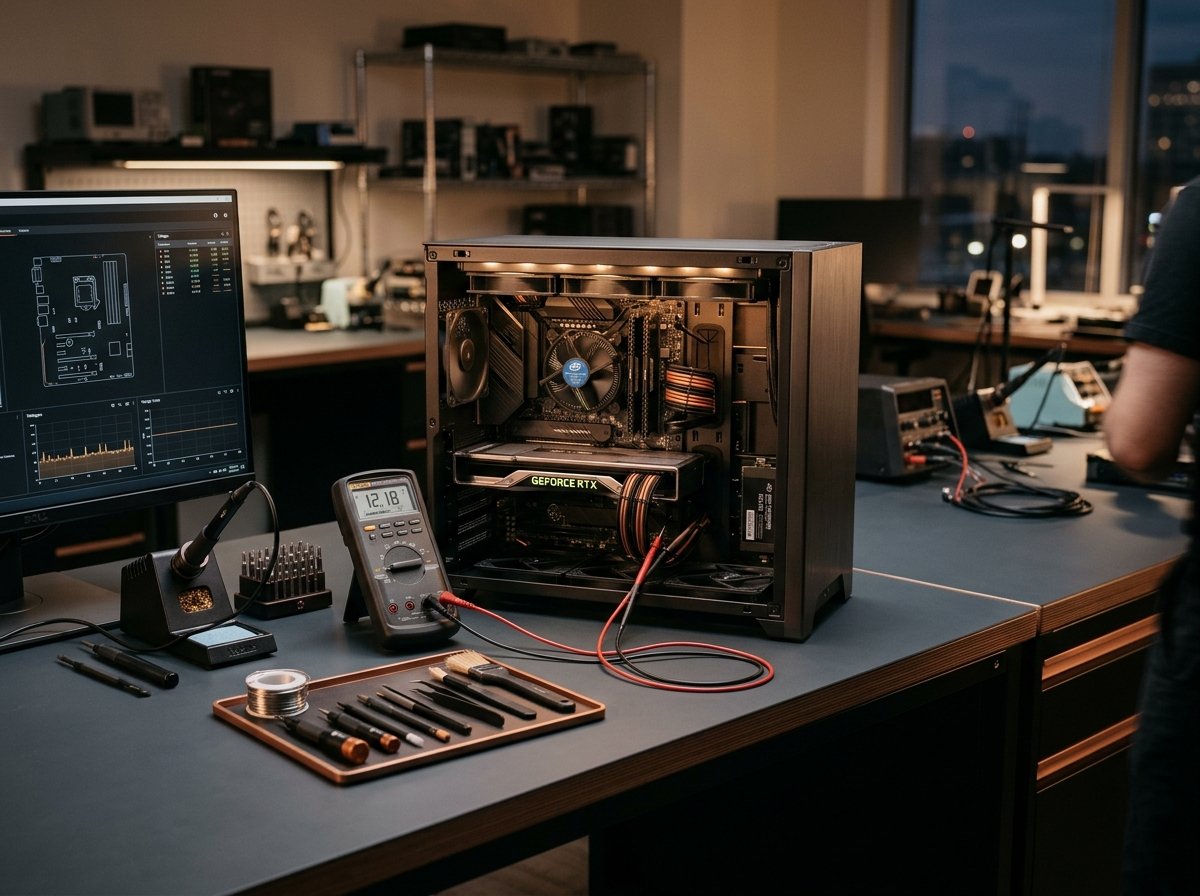
Boot Loop Fixes • BCD Recovery • Windows 10 & 11 • Data Preserved
Windows Startup Repair & Boot Failure Troubleshooting in London
When Windows refuses to load, presents an endless "Preparing Automatic Repair" loop, or boots to a black screen with an active mouse pointer, your work grinds to an abrupt halt. Startup failures are typically caused by interrupted Windows updates, damaged Boot Configuration Data (BCD), driver conflicts, or deteriorating storage sectors. Computer Repair IT diagnoses and repairs Windows startup errors on-site across Greater London and via remote recovery tools, restoring stability while strictly safeguarding your personal documents and applications.
✓On-site London home & office visits, plus workshop collection
✓Methodical diagnostic procedure with zero guesswork
✓Transparent, itemised written quotes before any repair begins
London Workshop & Mobile Triage
Component-level testing & written quotes
London Coverage
Specialist Diagnostics
Component-level testing across hardware and operating systems
Itemised Written Quotes
Clear diagnostic findings & agreed pricing before work begins
London-Wide Coverage
On-site mobile callouts across Greater London boroughs
Strict Confidentiality
UK GDPR compliant privacy-first handling of all customer data
EDITORIAL OVERVIEW
Professional Windows Startup Problems Diagnostics & Solutions in London
When Windows refuses to load, presents an endless "Preparing Automatic Repair" loop, or boots to a black screen with an active mouse pointer, your work grinds to an abrupt halt. Startup failures are typically caused by interrupted Windows updates, damaged Boot Configuration Data (BCD), driver conflicts, or deteriorating storage sectors. Computer Repair IT diagnoses and repairs Windows startup errors on-site across Greater London and via remote recovery tools, restoring stability while strictly safeguarding your personal documents and applications.
Damaged or missing EFI system partition bootloader files (bootmgr / BCD) preventing OS launch
Hardware Drive Health Verification: We run S.M.A.R.T. hardware diagnostics to ensure the storage drive is healthy before attempting file system repairs.
SERVICE CATALOG
Technical Services & Repair Capabilities
Structured diagnostics and hardware solutions tailored to specific equipment architectures and software environments.
✓Verified Solution
Boot Configuration (BCD) & EFI Bootloader Rebuild
Recreating missing EFI partitions, rebuilding boot records, and fixing Windows 10 and 11 launch paths.
✓Verified Solution
Interrupted Windows Update Rollback & Repair
Using DISM and SFC recovery commands to replace damaged operating system files and reverse broken update cycles.
✓Verified Solution
Corrupted Registry Hive Restoration
Restoring clean backup copies of registry hives to reverse boot-time kernel crashes without data loss.
✓Verified Solution
Clean Windows Installation with Full Data Backup
Backing up all personal documents, photos, and browser bookmarks, followed by a pristine Windows installation.
SYMPTOM GUIDE
Common Problems We Inspect & Resolve
Early diagnostics prevent further hardware degradation or sudden data loss. Below are the most frequent symptoms we resolve across London.
⚠️
Endless "Preparing Automatic Repair" Loop
Windows stuck on "Preparing Automatic Repair" or "Diagnosing your PC" in an endless reboot loop.
A methodical three-step procedure designed to give you clarity and control from enquiry to return.
1
Describe Your Fault
Tell us your system model, symptoms, and London location via our quick quote form or by telephone.
2
Diagnostic Assessment & Quote
Our technician evaluates the fault and provides a transparent, itemised written quote with parts availability and turnaround time.
3
Agreed Repair & Testing
Upon your approval, we carry out the repair, perform rigorous stability tests, and return your system fully functional.
VERIFIED STANDARDS
Why London Customers Choose ComputerRepairIT
Dependable diagnostic methods, transparent written pricing, and complete client data protection.
01
Methodical Hardware Diagnostics
We never guess or replace parts blindly. Every system undergoes structured testing using calibrated diagnostic equipment, voltage meters, and system log audits.
02
Transparent Written Quotations
You receive a clear, itemised written quote detailing required parts, labour, and expected turnaround times. No work proceeds without your explicit approval.
03
Flexible London Service Options
Choose between convenient on-site visits to your home or office across London, or secure workshop collection for intricate micro-soldering and bench jobs.
04
Strict UK GDPR Data Confidentiality
Your personal photos, documents, and commercial assets are handled with absolute confidentiality in strict compliance with the UK Data Protection Act 2018.
LONDON REACH
Windows Startup Problems Services Across London
Computer Repair IT provides dedicated diagnostic and technical repair services to residential users, remote professionals, and small businesses throughout Greater London. Whether you require an urgent home callout or on-site workplace support, our mobile technicians deliver reliable technical assistance directly to your door.
For intricate bench repairs requiring clean-bench environments or specialized testing equipment, we arrange secure collection and return across Central, North, South, East, and West London. Every enquiry begins with clear communication, realistic advice, and honest evaluations of repair feasibility.
📍Central London (City of London, Westminster, Camden, Islington, Southwark)
📍West London (Kensington & Chelsea, Hammersmith, Fulham, Richmond, Ealing)
📍North London (Barnet, Haringey, Enfield, Hampstead)
📍South London (Lambeth, Wandsworth, Merton, Bromley, Greenwich)
📍East London (Tower Hamlets, Hackney, Stratford, Canary Wharf)
FREQUENTLY ASKED QUESTIONS
Frequently Asked Questions
Factual answers regarding diagnostic turnarounds, data preservation, and London callout visits.
Need Personal Advice on Your Repair?
Speak directly with a technician for straightforward guidance on your symptoms and available appointment times.
Will repairing Windows startup delete my personal files and pictures?
No! Our technicians prioritize data preservation. We inspect the drive first, back up your user profile and files if necessary, and use non-destructive repair methods.
Can you fix Windows startup problems on-site in London?
Yes. We carry diagnostic USB drives with Windows recovery tools, memory testing utilities, and backup drives to repair boot failures directly at your home or workplace.
Why does my PC keep going into "Automatic Repair" every time I turn it on?
Automatic Repair triggers when Windows detects that the previous boot failed. If the underlying cause (such as a corrupted system file, damaged BCD, or failing drive sector) is not fixed, the tool fails and restarts the loop.
Can this issue be fixed remotely?
If Windows can boot into Safe Mode with Networking or recovery environment with internet support, we can assist online. If the machine cannot reach an operating system environment at all, an on-site visit is recommended.
INTERNAL DIRECTORY
Related Computer & IT Services in London
Hardware and software issues often overlap. Explore relevant London support specialisms below.
Get clear, honest technical advice and an itemised written quotation from experienced London technicians. Submit your enquiry below or call our support desk.
Call Our London Support Desk:📞+44 800 054 6750Mon – Fri: 08:30 – 18:30 | Sat: 09:00 – 17:00
✓No obligation written assessment before any work proceeds
✓Mobile on-site callouts or secure workshop collection
✓Strict confidentiality under the UK Data Protection Act
Request an Itemised Repair Quote
Complete the details below for a prompt, transparent evaluation.